
S.A.R.A.H
RIP 13.02.2020 - 15.06.2026
You served faithfully, and now forever unavailable, you will be missed


Self Actuated Residential Automated Habitat
This is my Home Assistant configuration :)
Ping me with any questions.
Configuration
I'm using Home Assistant Packages to keep everything organized and grouped by different functionalities.
devices- configuration and behavior for specific devicesmodules- major functions / behaviors are split into modulesmodes- entering and exiting house modesroutines- definitions of automated routines - e.g. Coming Home or Waking Upsensors- describing sensors the house can use
The speech module uses partial templates to generate more complex messages.
Hardware
Servers:
- Intel NUC6i7KYK - Ubuntu running Home Assistant and Plex Media Server
- Synology DS1821+ - Synology NAS Server
- Synology DS415play - Synology NAS Server (backup)
Controllers:
- ConBee II - Zigbee controller
- aeotec Z-Stick gen 5 - Zwave controller
Sensors & Switches:
- Aqara Temperature and Humidity Sensor (Zigbee)
- Aqara Door and Window Sensor (Zigbee)
- Aqara Wireless Mini Switch (Zigbee)
- Aqara Motion Sensor (Zigbee)
- Aeotec MultiSensor 6 (Zwave)
- Aeotec Trisensor (Zwave)
- Aeotec WallMote (Zwave - 4-button switch)
- Aqara Opple Wireless (Zigbee - 6-button switch)
Lights:
- Philips Hue White & Color Ambiance E14
- Philips Hue White Ambiance E14
- Philips Hue White E14
- A bunch of random Tuya E14 lights (wifi - some flashed with Tasmota, some runing on Tuya Cloud)
- Yeelight S1 Lights (wifi)
A note on lights - I tried a lot of wifi lights, running on Tuya Cloud, running with Tasmota; also tried some Zigbee ones as well. They all broke or had issues - blinking, noise, etc. The Hues are expensive, but I would have saved money if I went with them from the start.
Media:
Misc:
- Philips AC2729 Air Purifier and Humidifier (wifi)
- Hama Wifi Socket (wifi - Tasmota / MQTT)
- FrankEver IR Remote Controller (wifi - Tasmota / MQTT)
- Soma Smart Shades (wifi)
- Amcrest Security Camera
- Tapo Security Camera
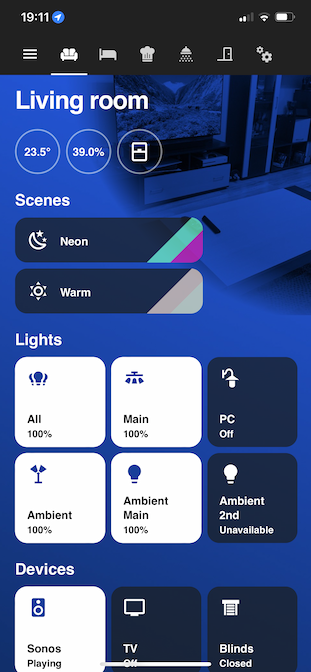
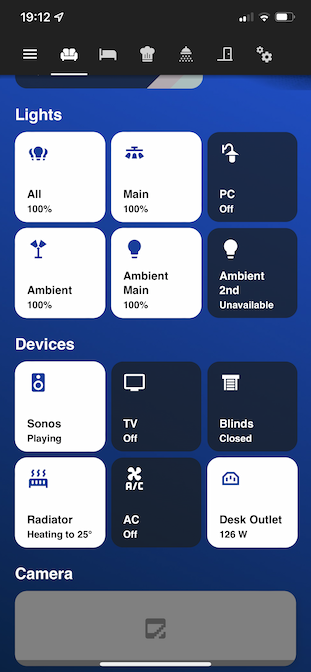
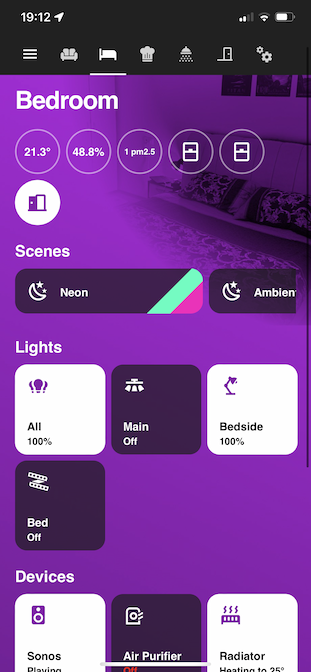
Screenshots (v3)

Screenshots (Legacy UI - v2)
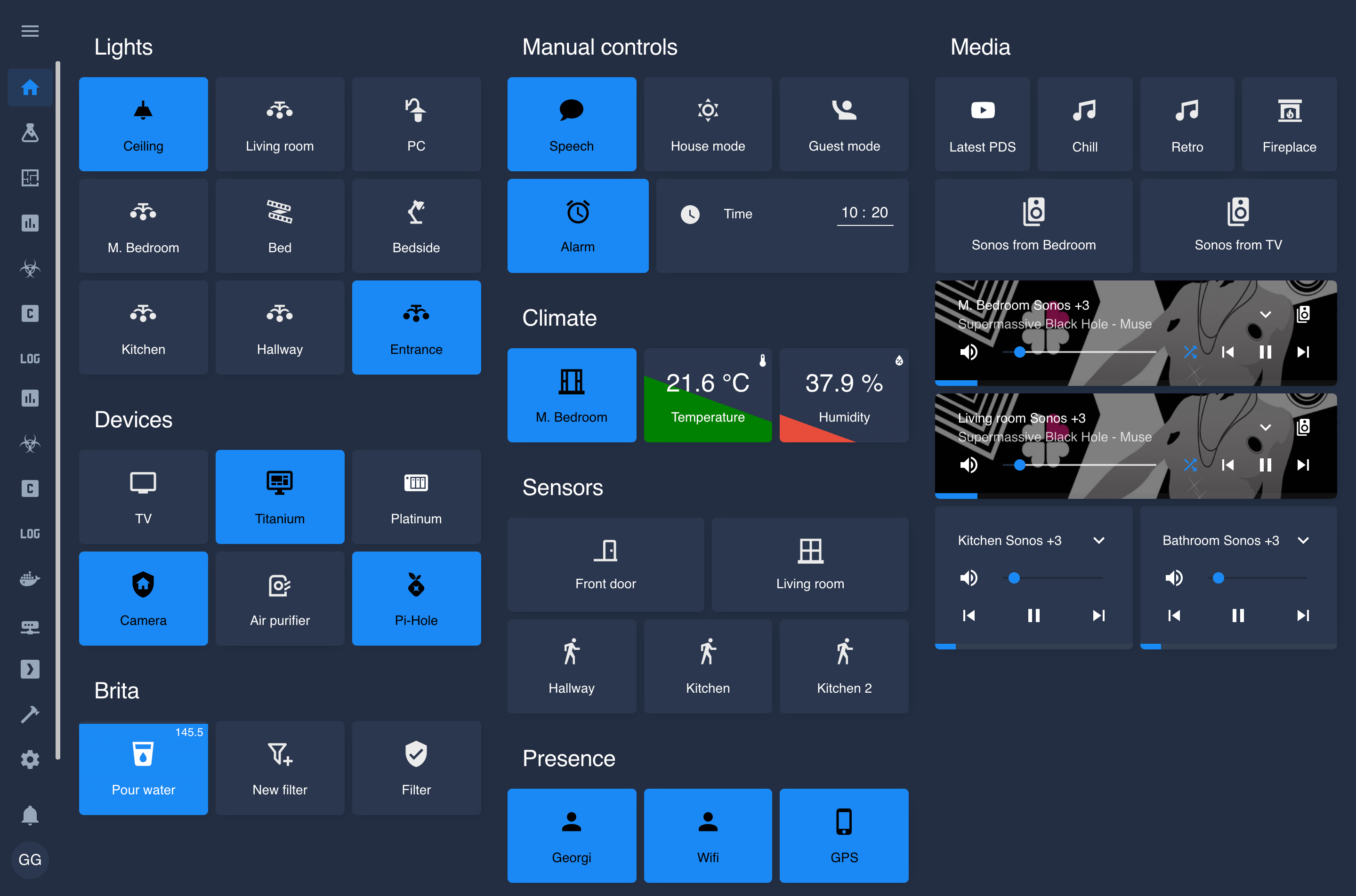
Home
Network

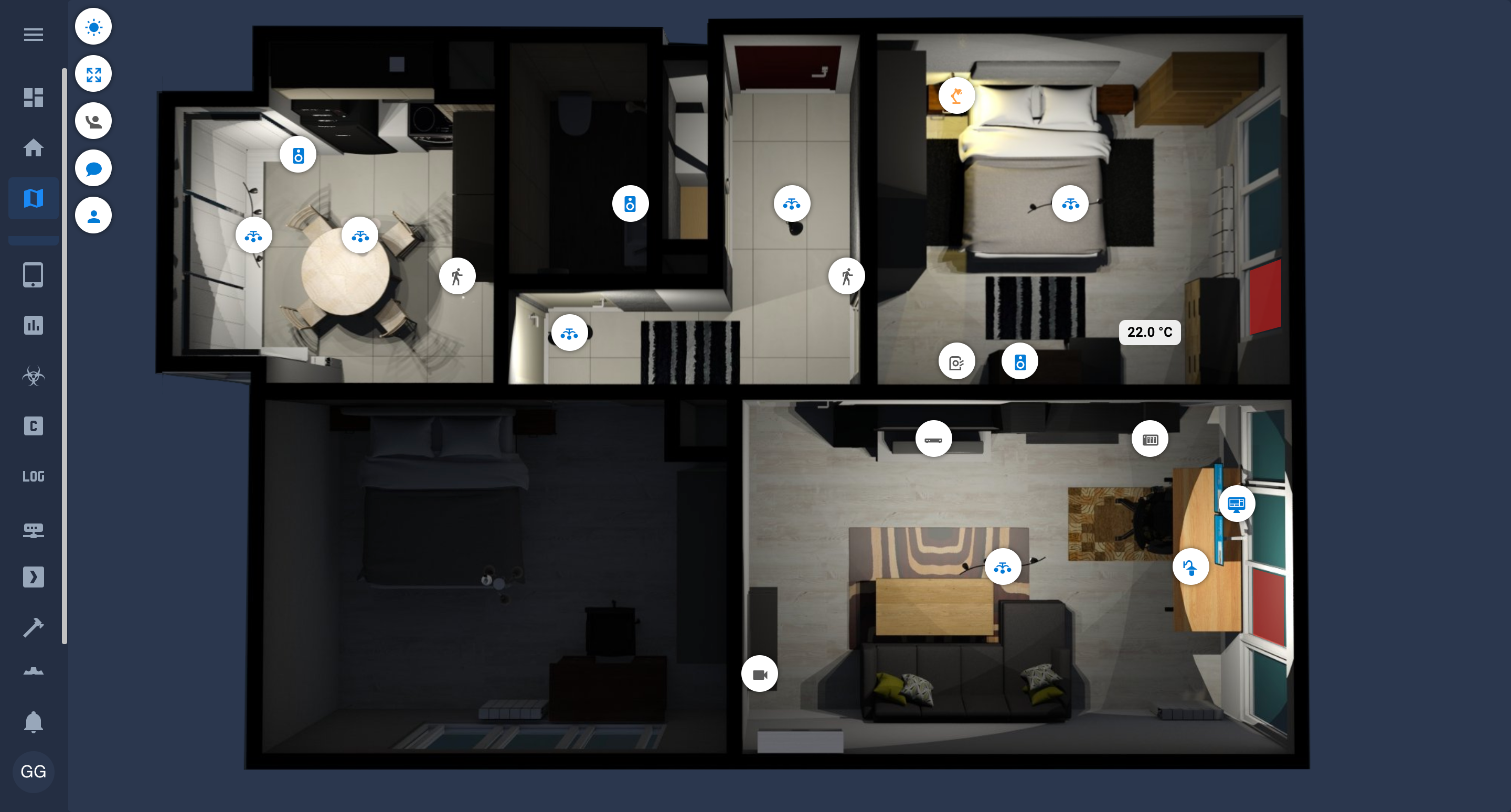
Floorplan
Helpers
There are some useful scripts in ./bin.
In order to use them, copy ./bin/.env.example to ./bin/.env and set the correct values.
You must be able to ssh to the host with a ssh key.
./bin/ui- re-uploads only UI configuration files./bin/upload- re-uploads all configuration files./bin/restart- restarts Home Assistant via docker-compose./bin/update-uploadand thenrestart./bin/logs- tails the logs of Home Assisstant via docker-compose
Inspiration
- CCOSTAN/Home-AssistantConfig
- lukevink/hass-config-lajv
- matt8707/hass-config
- stanvx/Home-Assistant-Configuration
- Apocrathia/home-assistant-config
- geekofweek/homeassistant
Meta
Georgi Gardev

